the changelog

What we just shipped

Everything new, improved & fixed in Quillcaster, newest first. The running record of how the product keeps getting better.

New

In-depth guides, all in one place

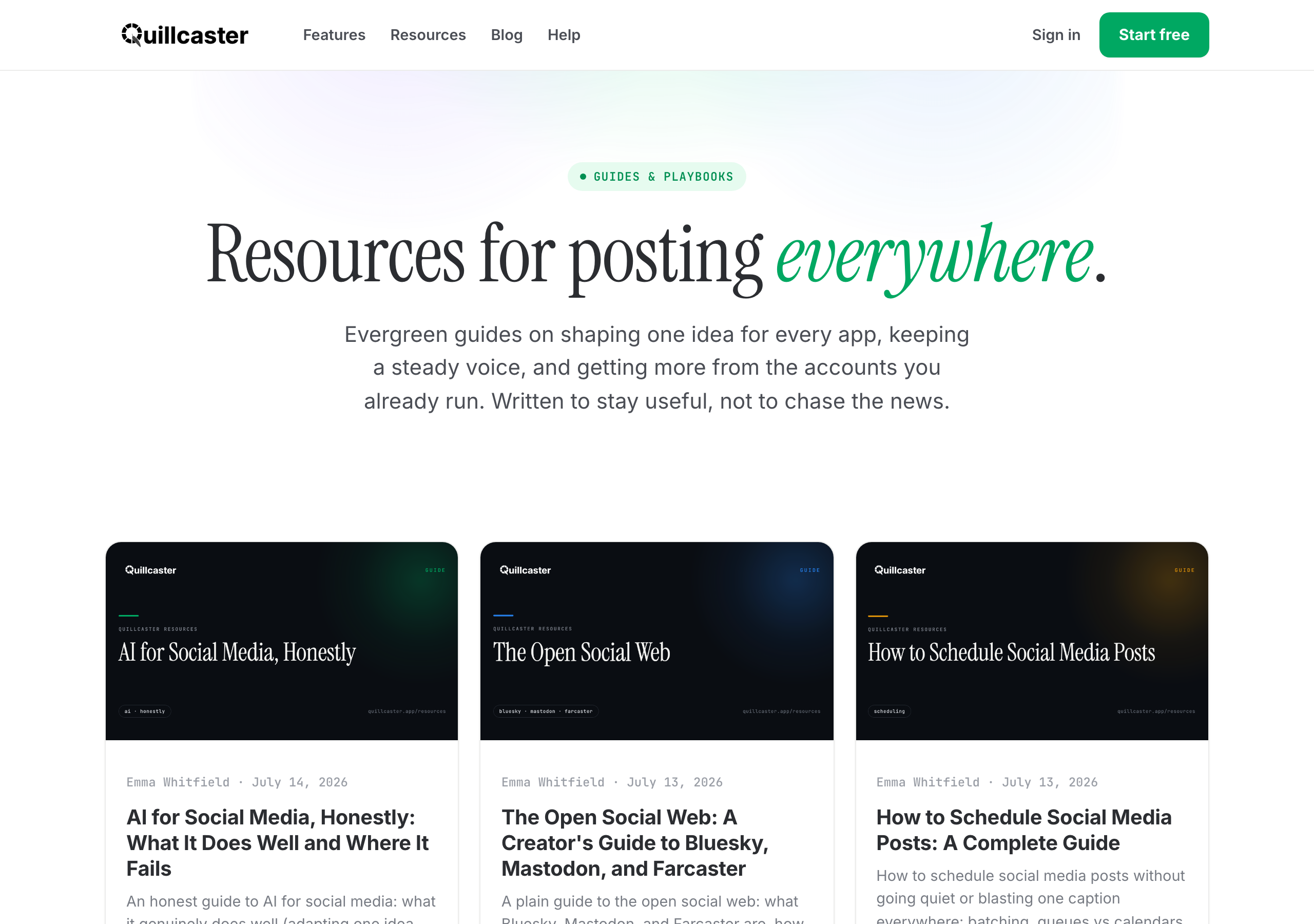
There is now a Resources section: a growing library of long, practical guides on getting more from the accounts you already run. Not quick tips, but the full picture, written to stay useful rather than chase the news.

The first four cover turning one idea into a post that fits every app, scheduling ahead without going quiet or sounding like a bot, building a presence on the open social web (Bluesky, Mastodon, and Farcaster), and using AI for social honestly, the good parts and the hype.
Browse the guides.

The Quillcaster Resources section, a library of in-depth social media guides
Improved

A cleaner sign-in and invite email

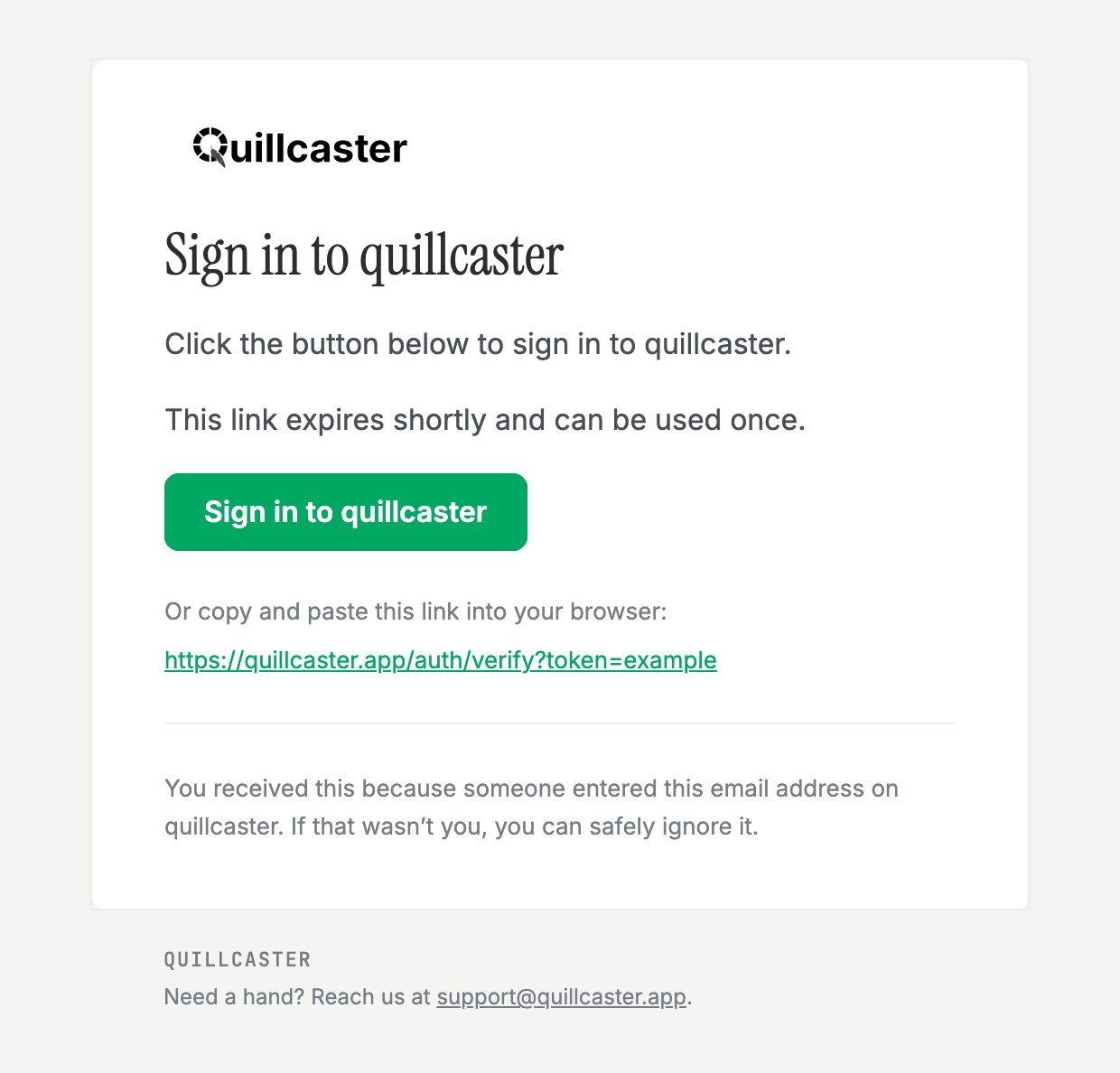
The emails we send when you sign in, or when you invite a teammate to a workspace, got a proper redesign. They now carry the Quillcaster wordmark, one clear button to get you where you are going, and a plain copy-and-paste link underneath in case the button does not work in your mail app.

Nothing changed about how they work: the links are still one-time and expire quickly. They are just easier to read, and easier to trust.

The redesigned Quillcaster sign-in email, with the wordmark, a green sign-in button, and a fallback link
New

A help center to get you started

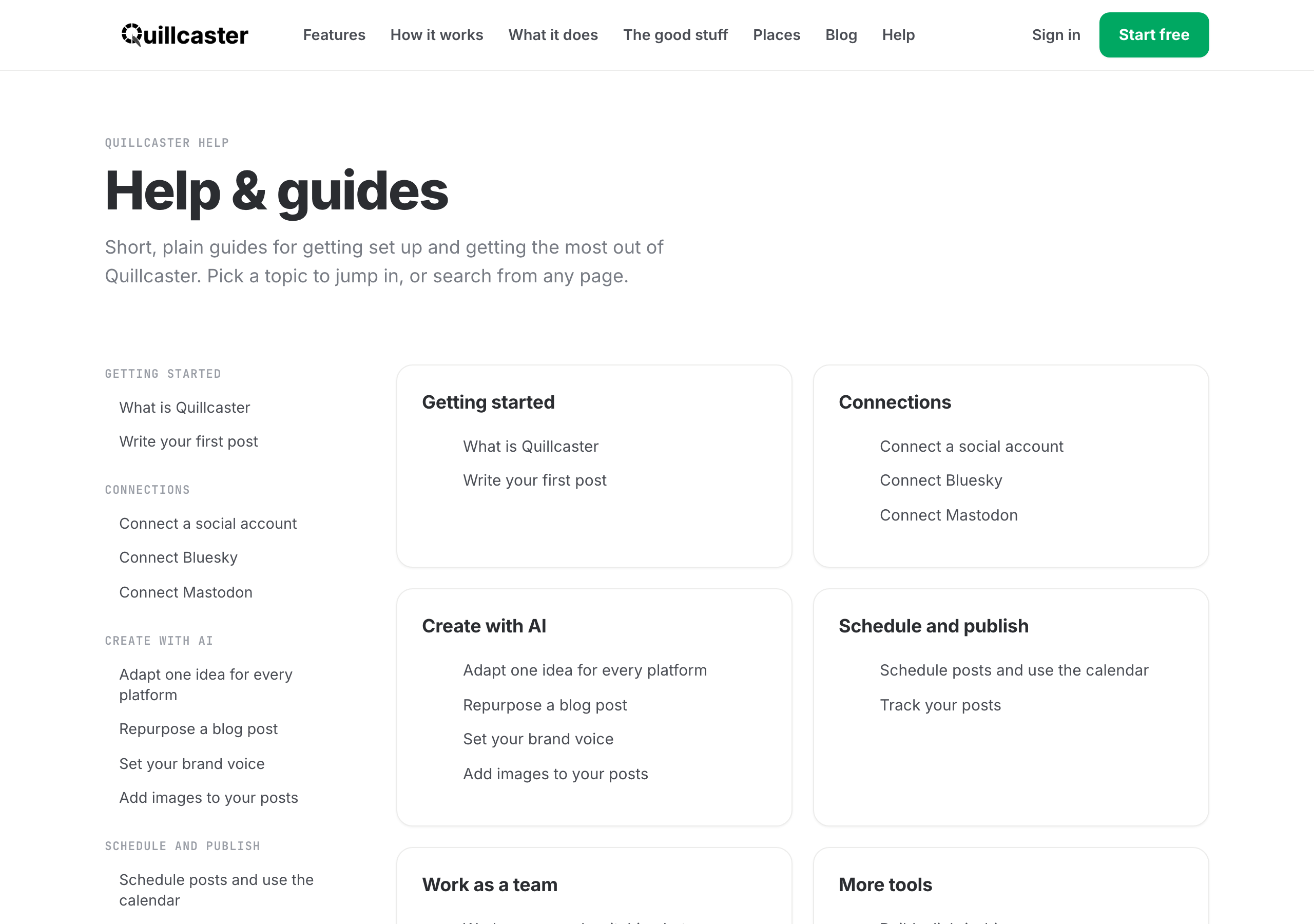
There is now a help center. We wrote a short, plain guide for every part of Quillcaster, from connecting your first account to turning one idea into a post made for each app, planning your week on the calendar, and working as a team. Most guides include a quick demo, so you can see exactly where to click before you try it.

Browse the guides.

The Quillcaster help center with guides grouped by topic
New

See Quillcaster in action

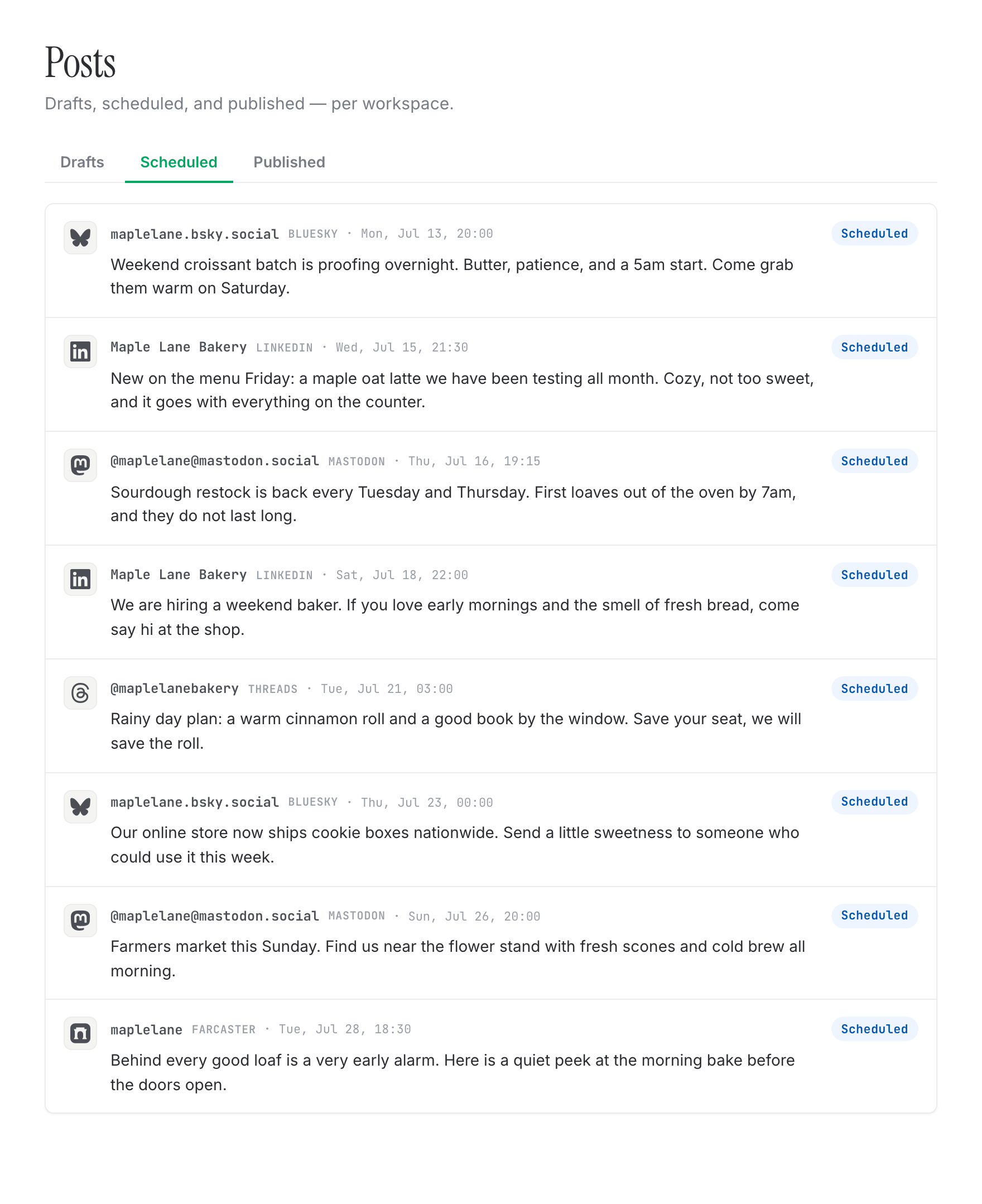
We built a page that shows what Quillcaster actually does, screen by screen: one idea becoming a post made for each app, a calendar to plan your week, your drafts and approvals in one place, and a content agent that drafts next week for you. Have a look, then bring an idea of your own.

See it in action.

Scheduled posts across the week in Quillcaster
Improved

More connectors, rolling out as they're approved

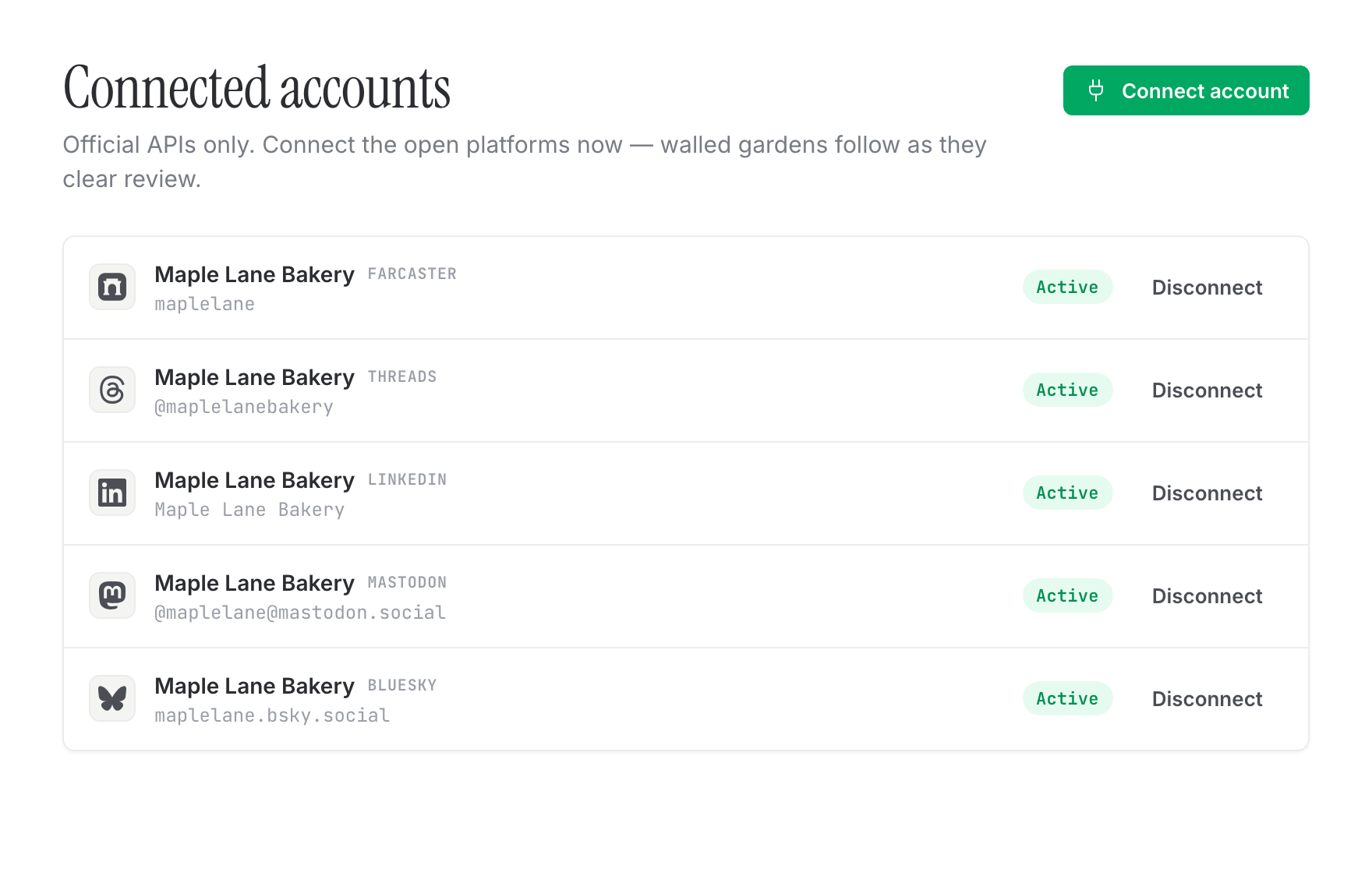
The big walled-garden networks each require an app review before anyone can post through them, and those reviews run on their timelines, not ours. We've done our part: the connectors for Instagram, Threads, Facebook, LinkedIn, and Pinterest are built and waiting.

They switch on for you as each platform approves our app, so you don't have to do anything but wait for the light to turn green. In the meantime, the open networks are ready whenever you are.

Curious how we compare to the usual suspects? A Buffer and Hootsuite alternative.

New

Approvals, an audit log, and link-in-bio

A few things that matter more once other people are in the room.

  • Approval workflow: turn it on per workspace so drafts need a sign-off before they publish. Off by default, so nothing changes if you'd rather move fast.
  • Audit log: an admin-only record of the security and governance actions in your workspace.
  • Link-in-bio: a simple public page of your links, with its own light and dark theme.
  • Usage analytics: see your connected accounts, drafts, and scheduled posts at a glance.
New

Your week, drafted

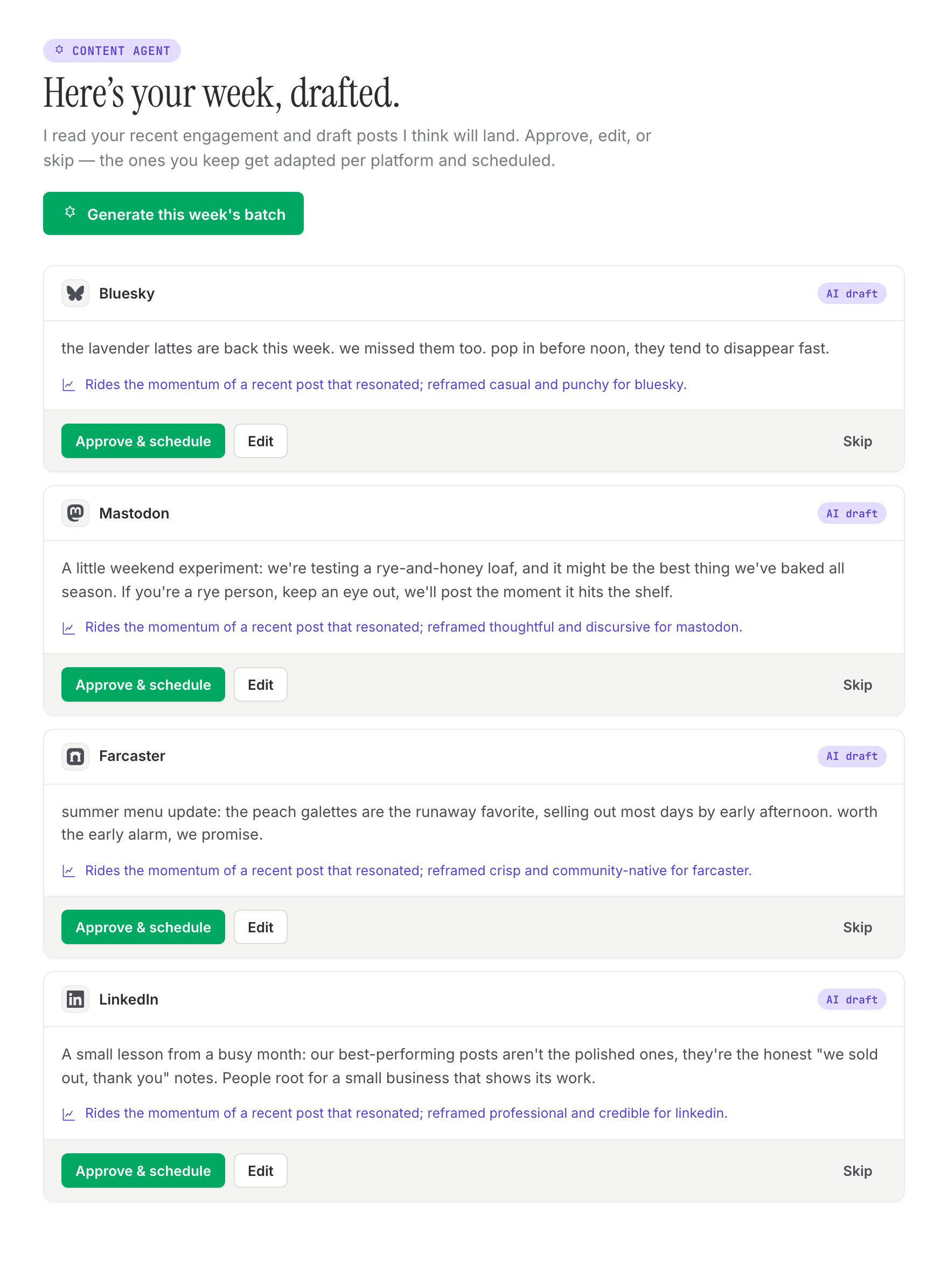
Staring at an empty composer on a Monday is nobody's favorite. The content agent looks at what you've been doing and drafts a batch for the week ahead. You approve, edit, or toss what you don't want, and it's ready to schedule.

Paired with that: posting-time suggestions, learned for your workspace where there's enough history and sensible defaults when there isn't. You stay in charge of every draft and every send.

The content agent proposing next week's posts, per platform
New

Turn a link into a multi-platform batch

You've already written the blog post or recorded the thing. Getting it onto five networks shouldn't mean starting over five times.

Paste a link in the composer, and Quillcaster reads it and drafts a made-to-fit version for each network you've picked. Review, tweak, schedule. It's the fastest way to give existing work a second life.

Related reading: stop cross-posting the same caption.

New

A media library for each workspace

Your images shouldn't live in a folder called final_v3_reallyfinal. Upload them to your workspace media library and attach them to posts when you compose.

Uploads go straight to object storage, and each workspace's media stays private to that workspace. When you attach an image, we handle the per-platform sizing behind the scenes.

New

A visual calendar and one home for your posts

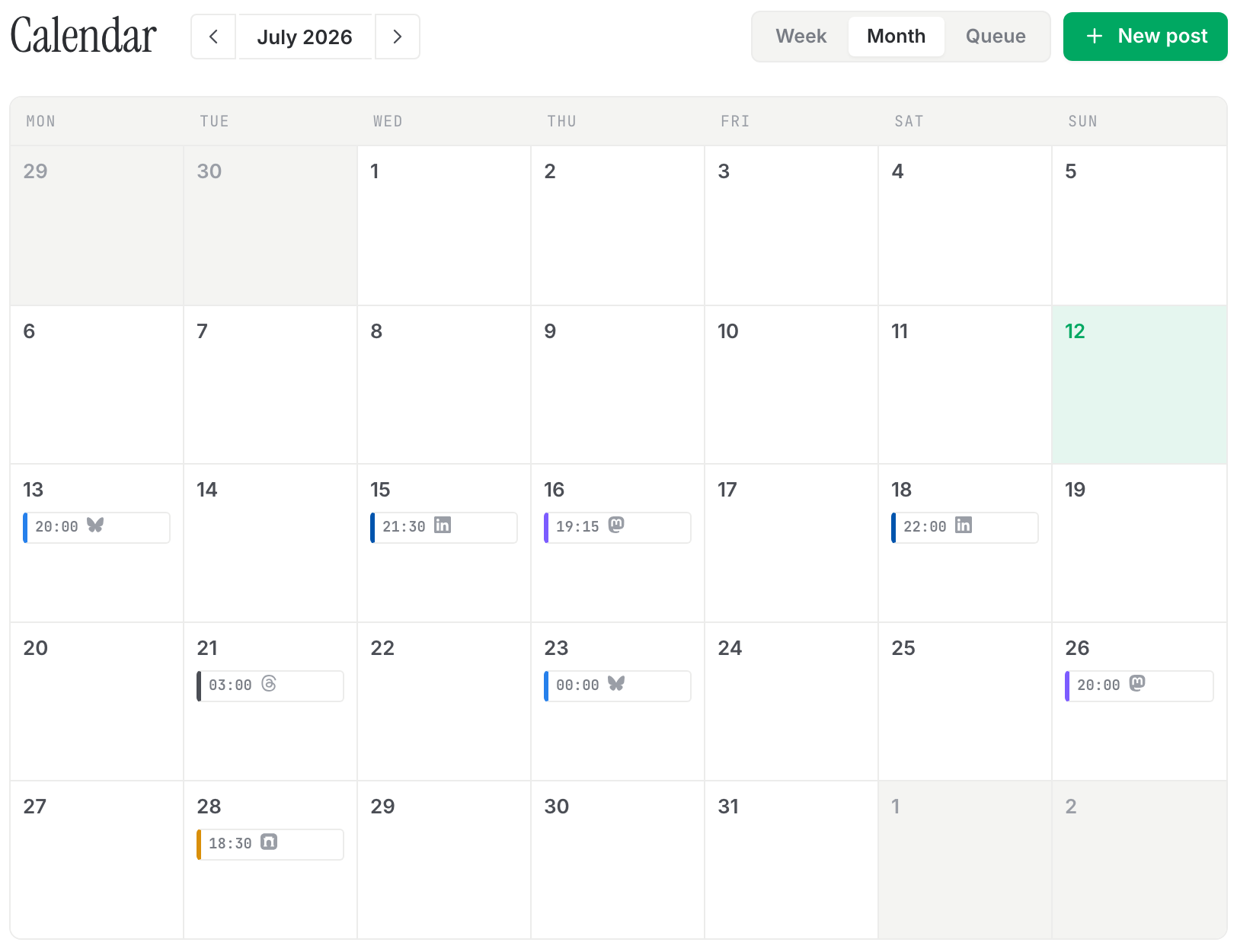
Two things that make the week feel manageable. First, a visual month calendar so you can see what's going out and when, at a glance.

Second, a single Posts page with tabs for drafts, scheduled, and published. Each tab is linkable, so you can bookmark or share exactly the view you're in. No more hunting for that one post you started last Tuesday.

A month calendar with scheduled posts across the week
Improved

Previews that match the real post

Guessing how a post will land is stressful, so we made the preview honest. Each platform's draft shows in its real chrome, so what you see in the composer is close to what your audience sees.

  • Thread view for multi-post chains
  • Link embed cards
  • Attached images and their layout

Fewer surprises after you hit publish.

New

Threads that post as real reply chains

A long idea shouldn't get chopped into one wall of text. When a draft runs long on a thread-friendly platform, Quillcaster splits it into segments and publishes them as a proper reply chain, the way threads are meant to work.

You'll see the split before you post, and the character counter counts each segment instead of gating you on one big total. On platforms that don't do threads, the post just joins back into one.

New

Drafts that sound like you

Generic AI copy is easy to spot and easy to ignore. So each workspace gets its own voice profile, learned from how you already write, and the AI leans on it when it drafts.

The upshot: the words that come back sound more like you and less like everyone else. Editing gets faster because you're nudging, not rewriting from scratch.

New

One idea in, made-to-fit drafts for every platform

Here's the thing we couldn't stop thinking about: the same caption doesn't belong everywhere. A Bluesky post and a LinkedIn post want to sound like different things, and copy-pasting one into the other is how you end up sounding like a robot on both.

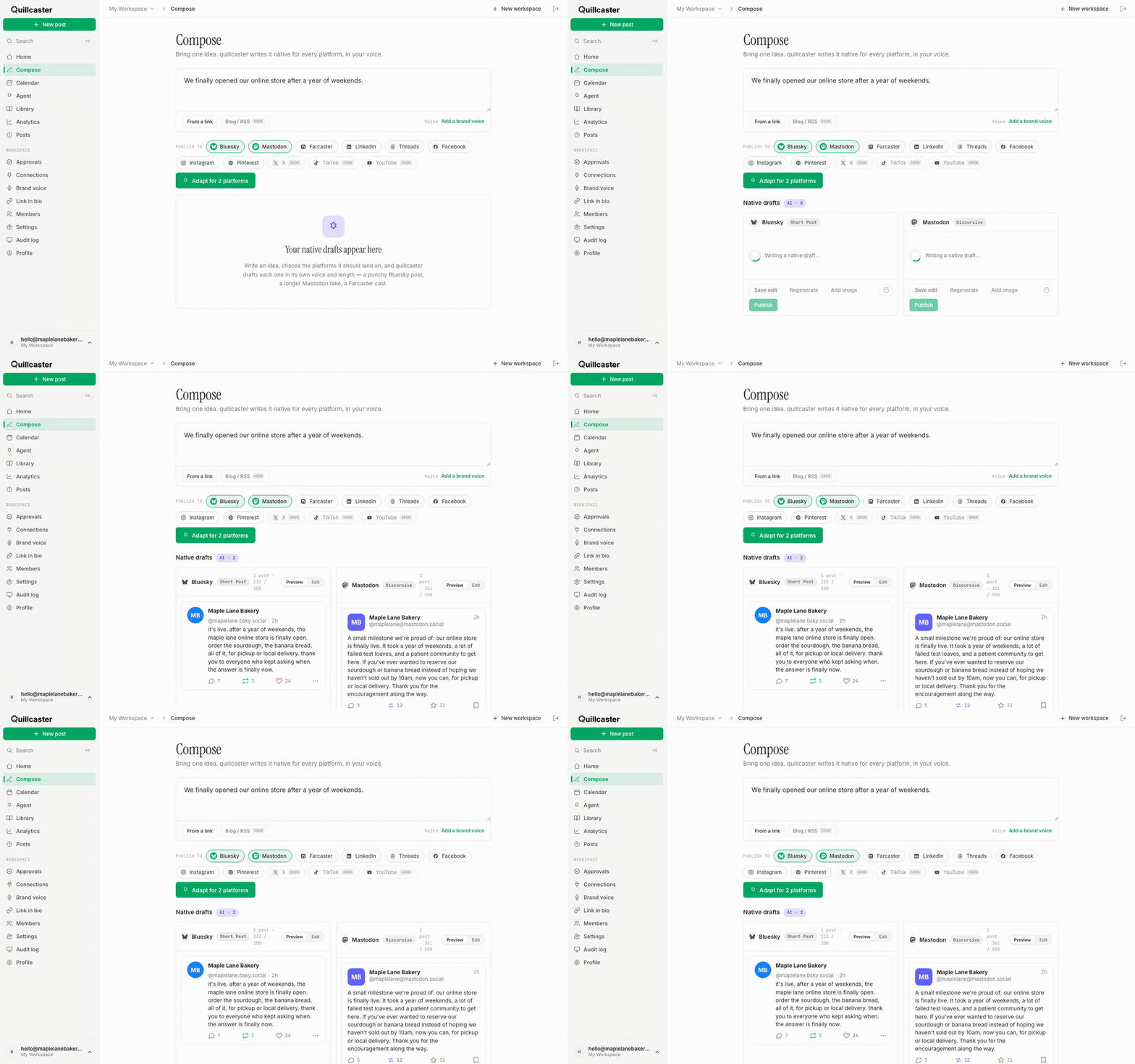
So write your idea once, and Quillcaster drafts a version made for each platform you've picked. You review, edit, and keep what you like. This is the part of the product we care about most, and it's here from day one.

More on why we built it this way: what an AI social tool should actually mean.

One idea adapted into made-to-fit drafts for Bluesky and Mastodon in the composer
New

Workspaces, members, and roles

Most of us don't post alone. Now you can invite people into a workspace and give each of them a role that fits: admin, editor, or viewer. Admins run the place, editors do the work, viewers keep an eye on things.

Every piece of content lives inside a workspace, so nothing leaks across teams or clients. You can belong to more than one workspace too, which helps if you're juggling a few brands.

New

Sign in without a password

Passwords are a chore for you and a liability for us, so we skipped them. Enter your email, click the link we send, and you're in. Your first sign-in doubles as sign-up, so there's no separate account step.

Sessions are server-side and the cookie is httpOnly, so nothing sensitive sits in your browser. We've also added a lightweight Cloudflare Turnstile check on the login page to keep bots out, and it stays out of your way when you're a real person.

Want to try it? Sign in here.